StrictBlock · app blocker for iPhoneyour focus,
protected.
block the apps and websites that steal your day. start a focus session and they stay locked until it ends — no “just one more scroll.”
block the apps and websites that steal your day. start a focus session and they stay locked until it ends — no “just one more scroll.”
11days back every year
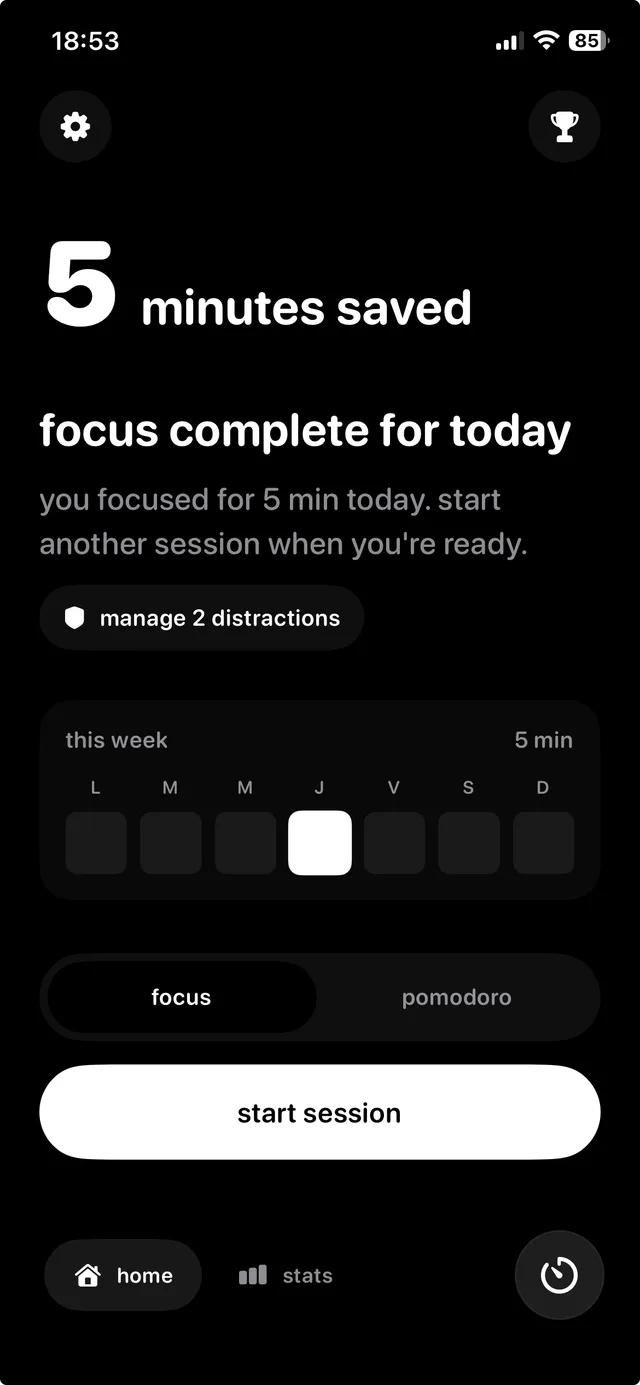
that’s what one 45-minute focus session a day adds up to. your home screen counts every minute saved, so you watch that number grow instead of your screen time.
that’s the point.
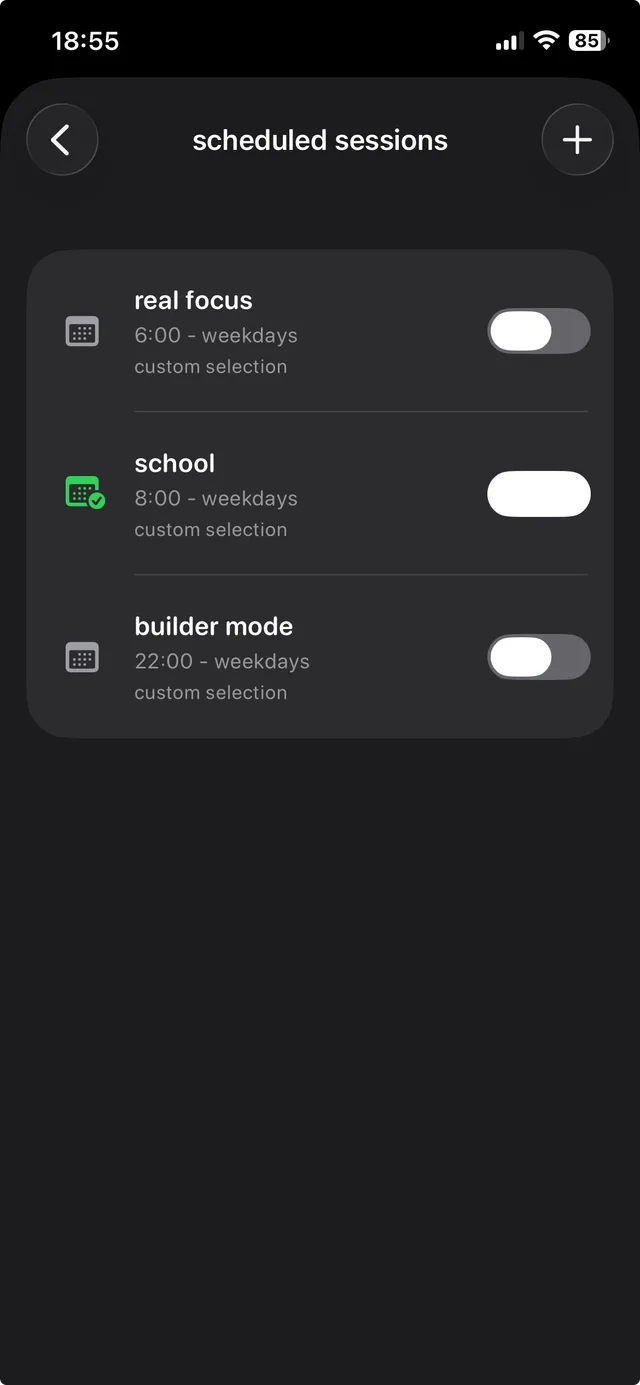
tiktok, instagram, youtube, games, any website. save them as a profile for study, work or night.
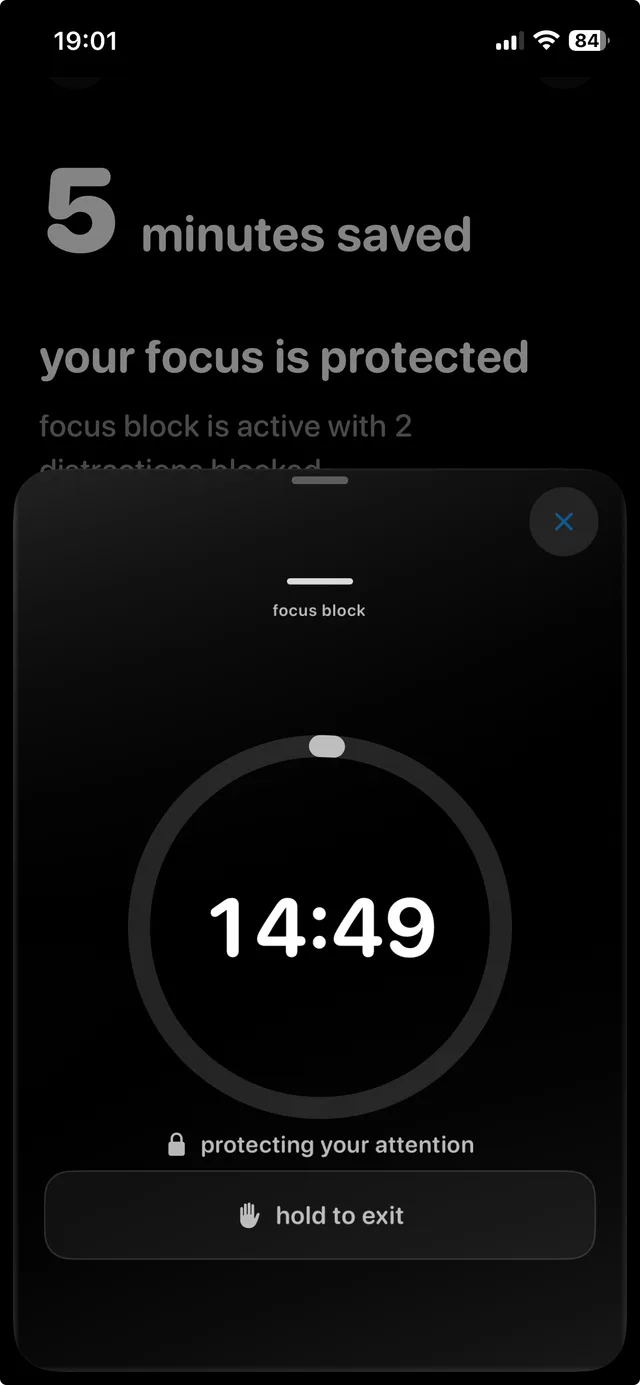
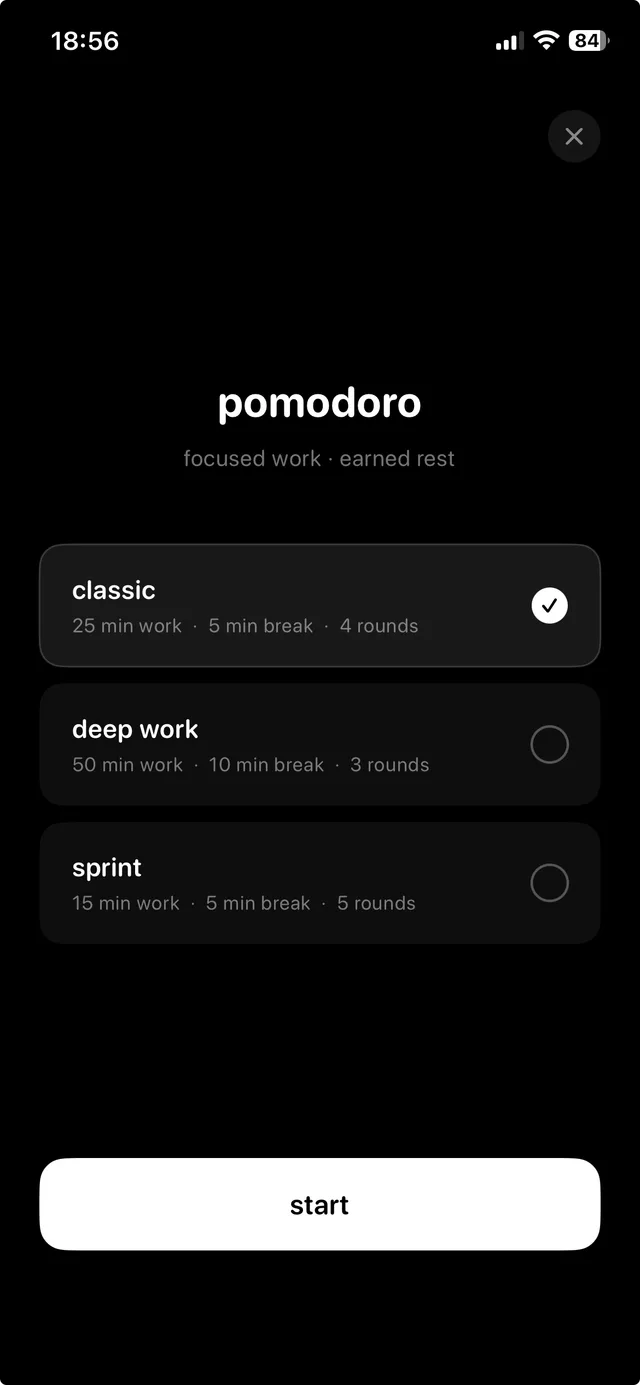
focus or pomodoro. every app and website on the list stays blocked until the timer ends.
leaving early takes a deliberate hold, not a reflex tap. long enough for the urge to pass.
real screens. nothing here is a mockup.
focused work, earned rest.
study, work or night.
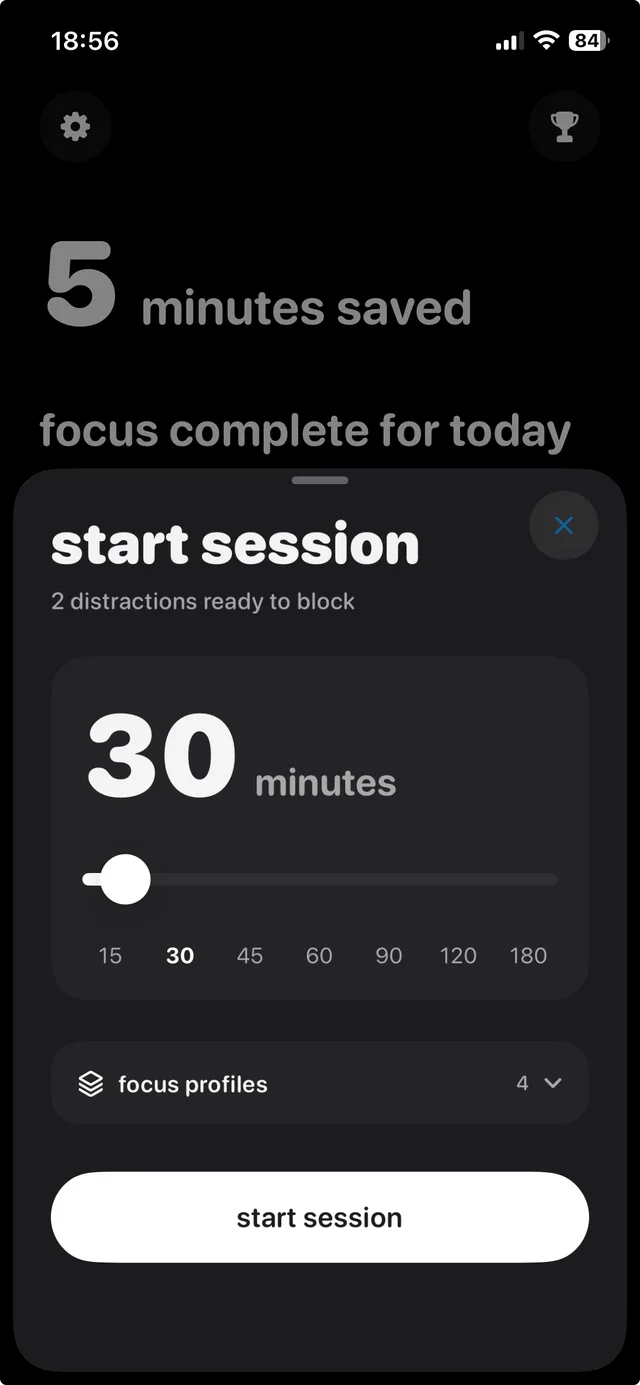
lock in before the urge.
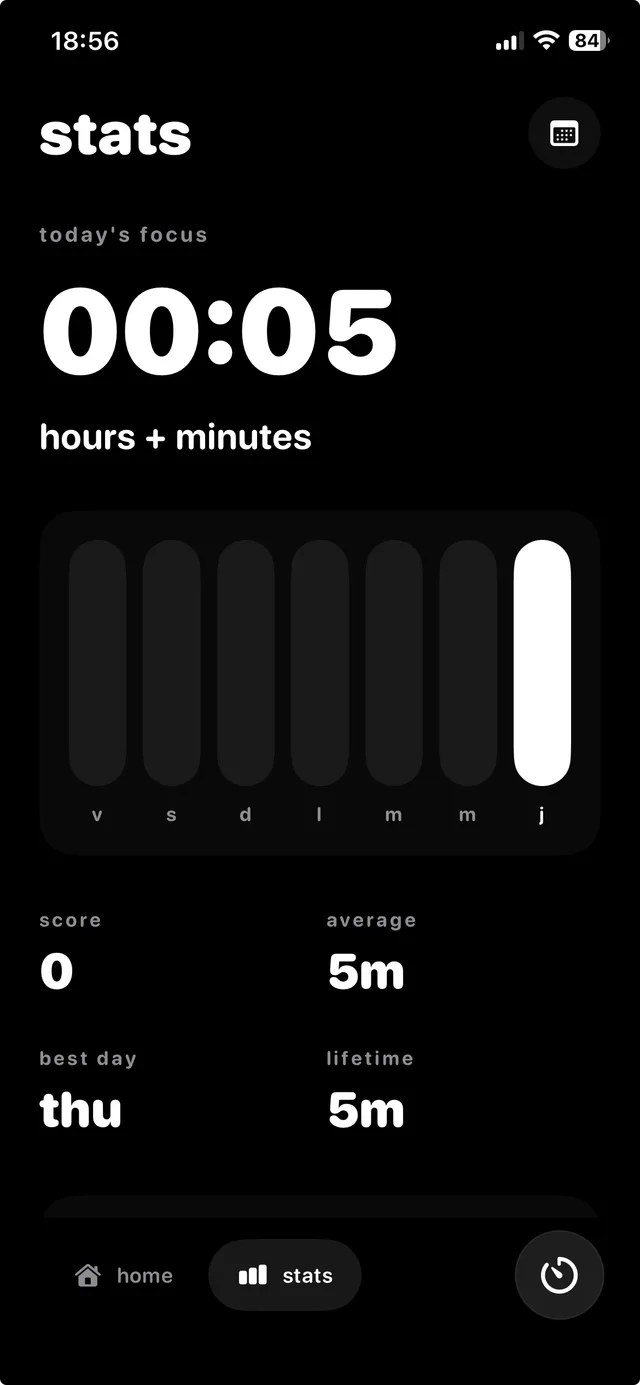
focus time, best day, lifetime.
4.3 on the App Store
“Great app, it lets you start focus sessions and works a bit like Duolingo—you have to maintain your daily streak or it resets.”
alessicious, App Store review
Yes. StrictBlock helps you block selected apps and websites during focus sessions so you can stay away from distractions.
Apple Screen Time is useful for basic limits, but StrictBlock is designed for active focus sessions, accountability, and procrastination control.
Yes. StrictBlock helps by removing access to distracting apps and websites during the moments when you want to focus.
Yes. You can create study-focused blocking profiles for apps like TikTok, Instagram, YouTube, Reddit, games, and distracting websites.
StrictBlock is not a medical treatment, but it can help create external structure by blocking digital distractions during focus sessions.
Yes. StrictBlock includes Pomodoro-style focus sessions with app and website blocking. Read the Pomodoro app blocker guide.
StrictBlock makes early exits feel intentional instead of casual. Ending early can affect your streak or progress depending on your setup.
download StrictBlock and get your first minutes back.